Connected Europe/UK Instructions

Your Global Wallet

Connected UK Instructions

The UK/EU Quick Facts:

1) You must have a Curve Account activated. Your credit will not be affected, nothing is reported to the credit bureaus, and no information is ever given to any third-party, not even Rubber B. CLICK HERE TO VISIT THE CURVE WEBSITE and set it up (if you do not already have a Curve account).

2) Once your Curve account is active, download the OneOS App from Apple App or Google Play store to connect and pay with your RB strap. Your Curve account will fund purchases made in your OneOS app, and instructions are further below. 
3) The OneOS app also lets you connect multiple wearables, track transactions, transfer balances between devices, and securely remove/defund devices instantly.  Full info is available for you at the OneOS website and Rubber B Terms.

How Curve Pay Works

Start saving money in 4 easy steps

1. Get Curve Pay

It’s completely free and takes two minutes to sign up.
Connected UK Instructions

2. Set up your ways to pay

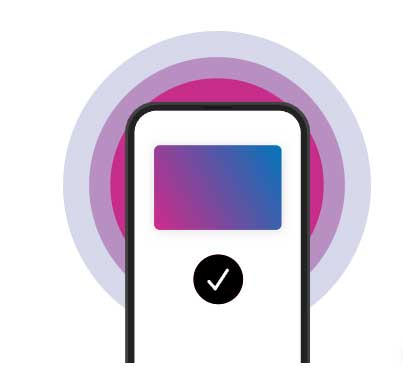
Set Curve Pay for contactless payments in-store and link Curve Pay to Apple and Google Pay for ease of online transactions. Even get a physical Curve Pay card for cash withdrawals or a wearable device to leave your phone at home!
Connected UK Instructions

3. Add cards to your digital wallet

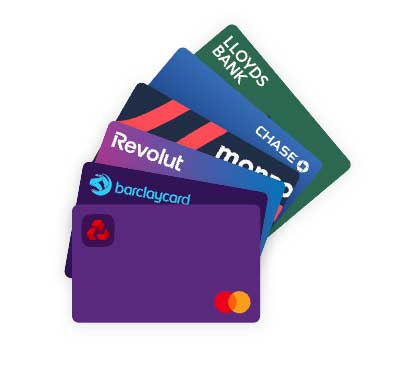
Add your debit and credit cards to your Curve Pay digital wallet. You can start with just one, but you’ll benefit from Smart Rules, Anti-Embarrassment and Go Back in Time® when you add more. Select the card you want to use for your payments and you’re ready to go!
Connected UK Instructions

4. Spend and save

Spend and earn cashback, save on foreign currency exchange fees, gain money freedom.
Connected UK Instructions

Spend freely around the world with no travel fees on any card*


Download on the App Store


Get it on Google Play


Explore it on Galaxy Store


Explore it on AppGallery
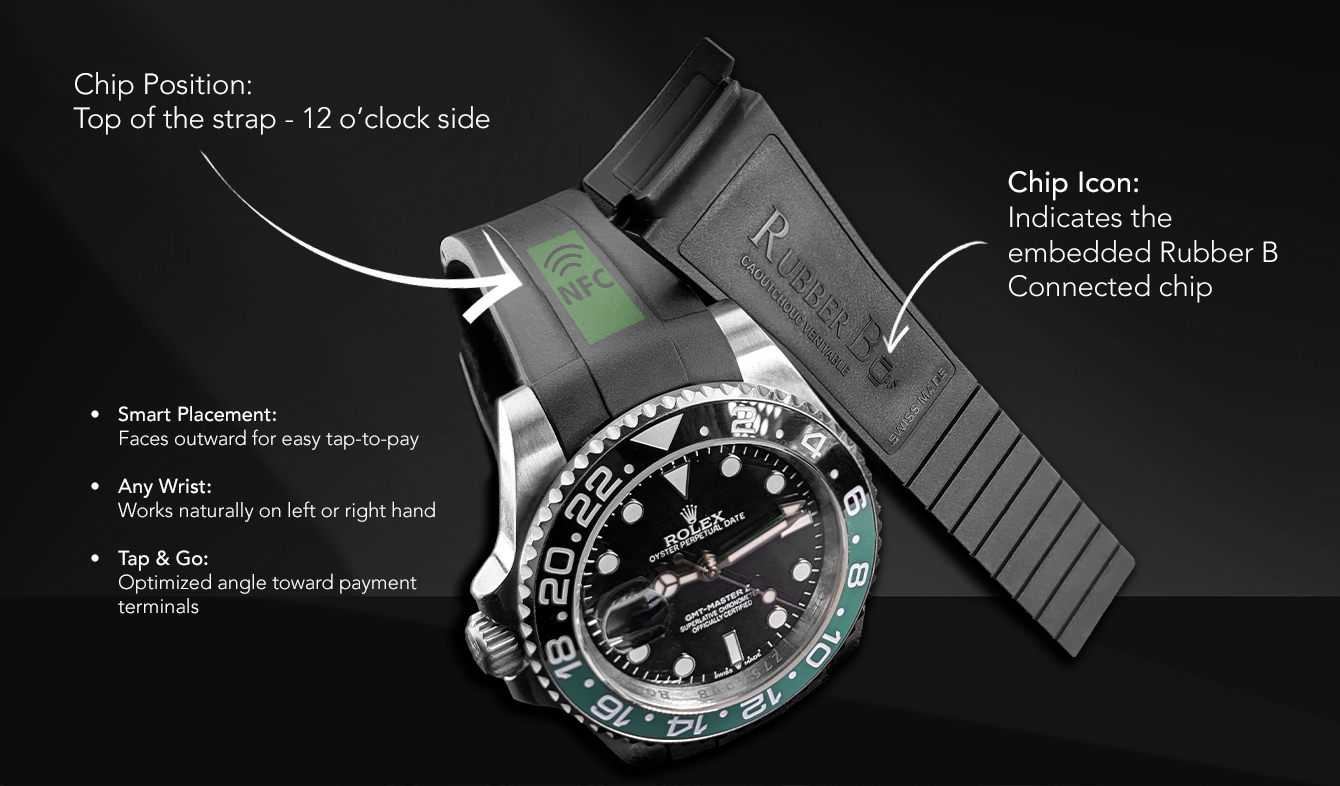
  • Rubber B marks the strap with a chip icon on the inside (belly) of the strap to indicate where the chip is embedded.

  • The chip is positioned at the top of the strap, near the “T”, aligned with 12 o’clock—the same direction the watch logo faces.

  • This placement ensures the chip sits on the outer side of the wrist, making tap-to-pay easy and reliable whether worn on the left or right hand, with a natural angle toward the payment terminal.

    Connected UK Instructions