Connected USA Instructions
The USA Quick Facts:
1) You must have a BANK ACCOUNT IN THE USA. Your credit will not be affected, nothing is reported to the credit bureaus, and no information is ever given to any third-party, not even Rubber B.
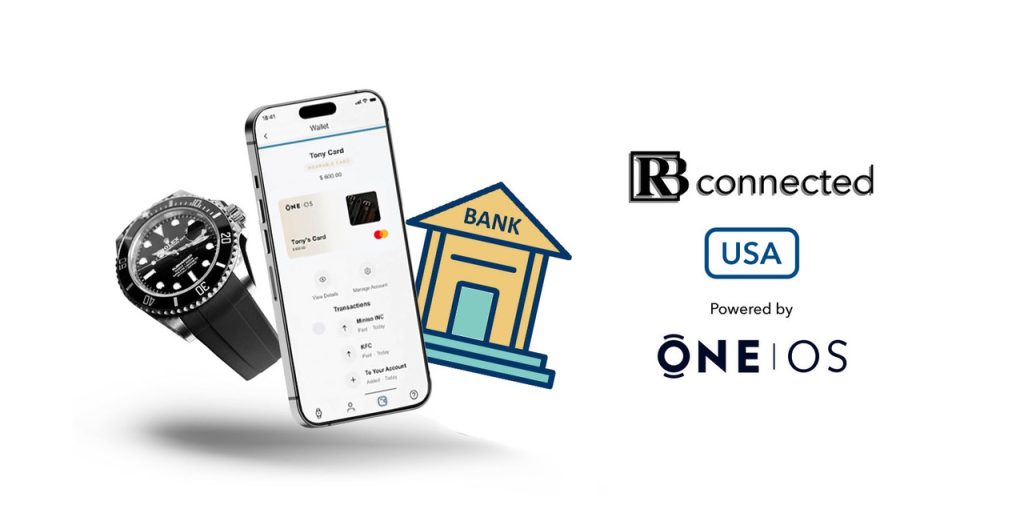
2) Download the OneOS App from Apple App or Google Play store to connect your RB strap. Your bank account will fund your purchases via a “OneOS Digital Mastercard” that credits your RB Connected strap (for any amount you select – it works like a pre-paid card). Learn more HERE.
3) Securely verify your identity in the OneOS app by providing your Social Security number and linking your bank account. Your funds will be loaded to the strap chip within three business days, after which you can start using your RB Connected strap to make purchases. The app also lets you connect multiple wearables, track transactions, transfer balances between devices, and securely remove/defund devices instantly. Full Terms are HERE.
How to Setup your Wearable with One OS
Read the tutorials on how to set up your wearable with One OS and start using it to make payments.
Please ensure you have registered and verified your account (email) and are logged into One OS, the mobile application, before you begin.
Step 1:
Add the wearable into One OS.
A. Tap the “Add Wearable” button on your dashboard.
B. Place your watch strap with the buckle attached firmly on a table.
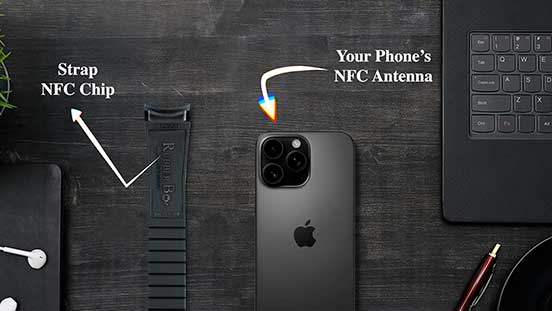
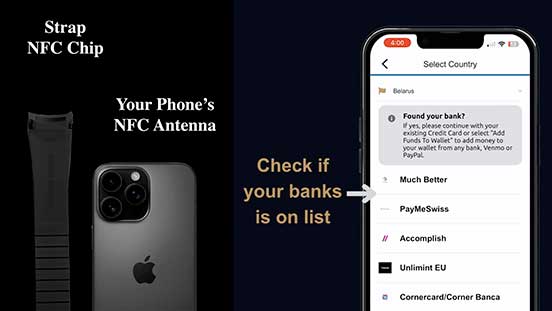
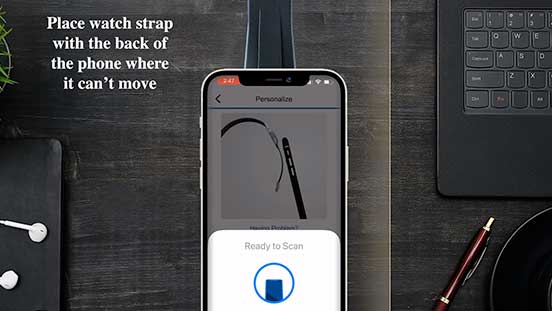
C. Position your phone on top of the strap, 10 mm below where it attaches to the watch, as shown in the image below for iPhone.
Step 2:
Add and register your credit or debit card.
A. After adding the wearable, select “Add Payment Card” when prompted.
B. Alternatively, select an added wearable and then choose “Add Card”.
C. Choose the type of card you want to register and tap the “Register” button on the next screen.
D. Enter your credit card number, expiration date, and CVV.
E. Accept the terms and conditions from your credit card provider or bank to complete the registration.
IMPORTANT: If you live in the United States, the app will guide you through setting up a virtual debit card for your wallet that can connect your wearables with most major US banks. It does not cost anything to register, it is easy to set up and start using.
Step 3:
Personalize your wearable with your mobile phone.
A. Ensure the strap is placed firmly on the table.
B. Position the phone on top of the strap, 10 mm below where it would attach to the watch, as shown in the image below.
C. Tap the “Personalize” button on the mobile screen.
D. Wait for the progress bar to reach 100% and for the green check mark “success” message to appear before removing your phone from the watch strap.
Final Step 4:
Activate your card on your wearable.
A. Press the “Activate” button to activate the secure token of your card on your watch strap.
B. Follow the on-screen instructions to activate your card.
C. You can now use your wearable for making contactless purchases.
D. Transactions will appear on your card statements, and you can access your account through your card provider or bank.
What is One OS Mastercard?
The Ultimate Payments Platform.
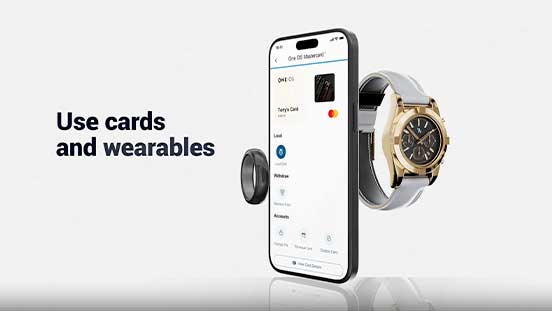
One OS Mastercard is a better way to receive, spend, move, and share your money and connect to your wearables
The One OS Mastercard is issued by Sunrise Banks N.A., Member FDIC, pursuant to a license from Mastercard International Incorporated. Mastercard is a registered trademark, and the circles design is a trademark of Mastercard International Incorporated. This card may be used everywhere Debit Mastercard is accepted. Use of this card constitutes acceptance of the terms and conditions stated in the Cardholder Agreement. Card program marketed and administered by Usio Inc., an Independent Sales Organization (ISO) pursuant to an agreement with Sunrise Banks, N.A.
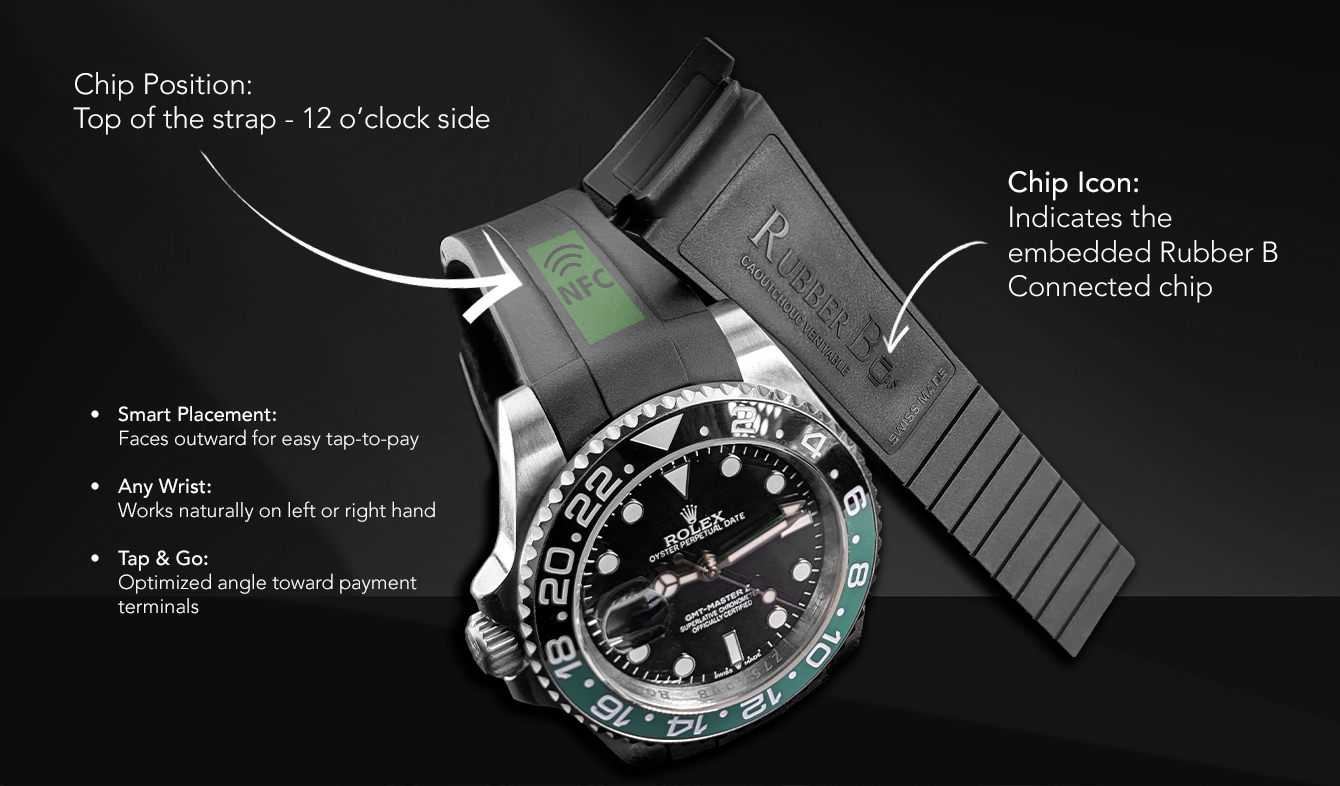
Rubber B marks the strap with a chip icon on the inside (belly) of the strap to indicate where the chip is embedded.
The chip is positioned at the top of the strap, near the “T”, aligned with 12 o’clock—the same direction the watch logo faces.
This placement ensures the chip sits on the outer side of the wrist, making tap-to-pay easy and reliable whether worn on the left or right hand, with a natural angle toward the payment terminal.